
How to Find Milwaukee County Court Dockets
Circuit court dockets are searched through Wisconsin Circuit Court Access, or WCCA. It is free. It shows an exact copy of the case data that county staff enter, including docket events. You pick Milwaukee in the County field to keep results local. Open the case from the results grid to see its event history. WCCA uploads new data hourly, with short maintenance most nights from about 3:00 a.m. to 4:00 a.m. Central Time.
Start with what you know. A case number opens a docket fastest. A party name works too. You reach the tool at Wisconsin Circuit Court Access, and the broader search hub sits on the Wisconsin Court System case search page.
- Open WCCA and accept the access agreement.
- Enter a case number, or search by last name.
- Set County to Milwaukee.
- Click Search and open a row by clicking the case number.
- Scroll the docket to read filings, hearings, and orders in date order.
What a Milwaukee County Court Docket Shows
A docket is a timeline. Each line is one event. You will see filings, hearings, motions, orders, judgments, continuances, warrants, bond actions, payments, and satisfactions. Hearings list a date, a time, and a courtroom or branch. Financial lines can show a fine, costs, restitution, bail, or a judgment amount. The docket points to documents, but many documents need a clerk copy request.
| Docket Field | What It Shows |
|---|---|
| Event Date | When the filing or hearing happened. |
| Event Type | Filing, motion, order, hearing, judgment, or warrant. |
| Hearing Detail | Date, time, and branch or courtroom assignment. |
| Financials | Fine, costs, restitution, bail, or judgment amount. |
| Disposition | Final outcome of a charge or the whole case. |
The same arrest or dispute can produce several docket lines over months or years, so read the dates with care.
Reading the WCCA Result Grid
Before you open a docket, WCCA shows a result grid. Each row lists a case number, a filing date, the county, the case status, a party name, a date of birth, and the caption. Case status reads Open, Closed, or Filed Only. The grid has handy controls: return to search, show 5 to all entries, clear filters, and page through long lists. A filter row sits under the headers.
This sample Milwaukee County case detail shows where a docket opens, though the live page can ask you to pass an anti-automation check before the full detail loads.
That check is normal. Ordinary users confirm they are human, then the docket displays. If you need a certified copy of any docketed document, that still comes from the clerk, not the screen.
Milwaukee County Court Docket Glossary
Docket lines use shorthand. A few terms cover most of what you will read on a Milwaukee County court docket.
- Docket
- The chronological list of every event and filing in a case.
- Motion
- A written or oral request asking the court to act.
- Order
- A judge's written or spoken command.
- Disposition
- The final outcome of a charge or case.
- Continuance
- A postponement of a hearing or deadline.
- Arraignment
- A criminal hearing where charges and a plea are addressed.
For a longer list of case terms, the Milwaukee County court records page breaks down the full field set.
How Long Milwaukee County Court Dockets Are Kept
Records do not stay online forever, and paper files have set retention windows. The Criminal Court FAQ lists how long the clerk keeps each type. A simple paid traffic citation has a shorter life than a felony file. Knowing the window helps when you cannot find an old docket.
| Record Type | Retention |
|---|---|
| Felony files | 75 years after final judgment |
| Misdemeanor and criminal traffic | 20 years |
| Traffic files | 5 years after final judgment |
Older files may be stored offsite and can take two to three days to pull. A note on copy fees: criminal copies run $1.25 per page, and certification adds $5.
Note: Converted older cases may show fewer docket lines, because each county chose what to move into the state case system and when.
Probate and Older Milwaukee County Dockets
Probate dockets follow date rules. Records after June 1, 2003 are online through WCCA. Records from 1985 to June 1, 2003 can be viewed in person or online. Records before 1985 must be viewed in person at the courthouse Probate office in Room 207. Milwaukee County probate files reach back to the 1830s, so the oldest dockets are paper or microfilm only.
If a closed or microfilmed file is needed, the Probate office asks you to call ahead for an appointment. The Milwaukee County probate records page covers the date rules and fees in full.
Appellate and Federal Court Dockets
A case on appeal moves to a different docket system. Appeals from Milwaukee County go to the Wisconsin Court of Appeals District I. Its docket shows available documents, related circuit cases, and past and future events.
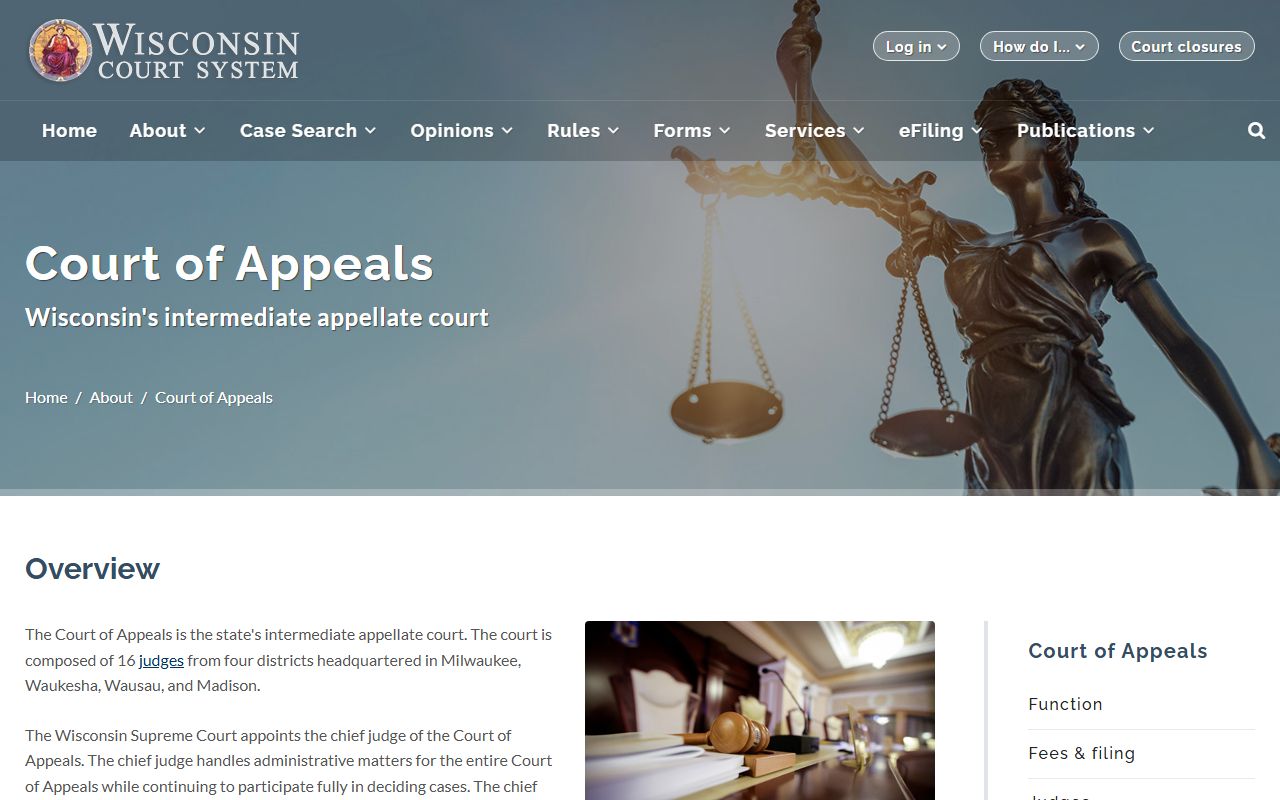
The Wisconsin Court of Appeals page confirms that District I covers Milwaukee County and explains the appellate role.
Federal dockets are separate. Federal appeals for Wisconsin go to the Seventh Circuit, and bankruptcy filings go to the Eastern District bankruptcy court. None of these show on WCCA.
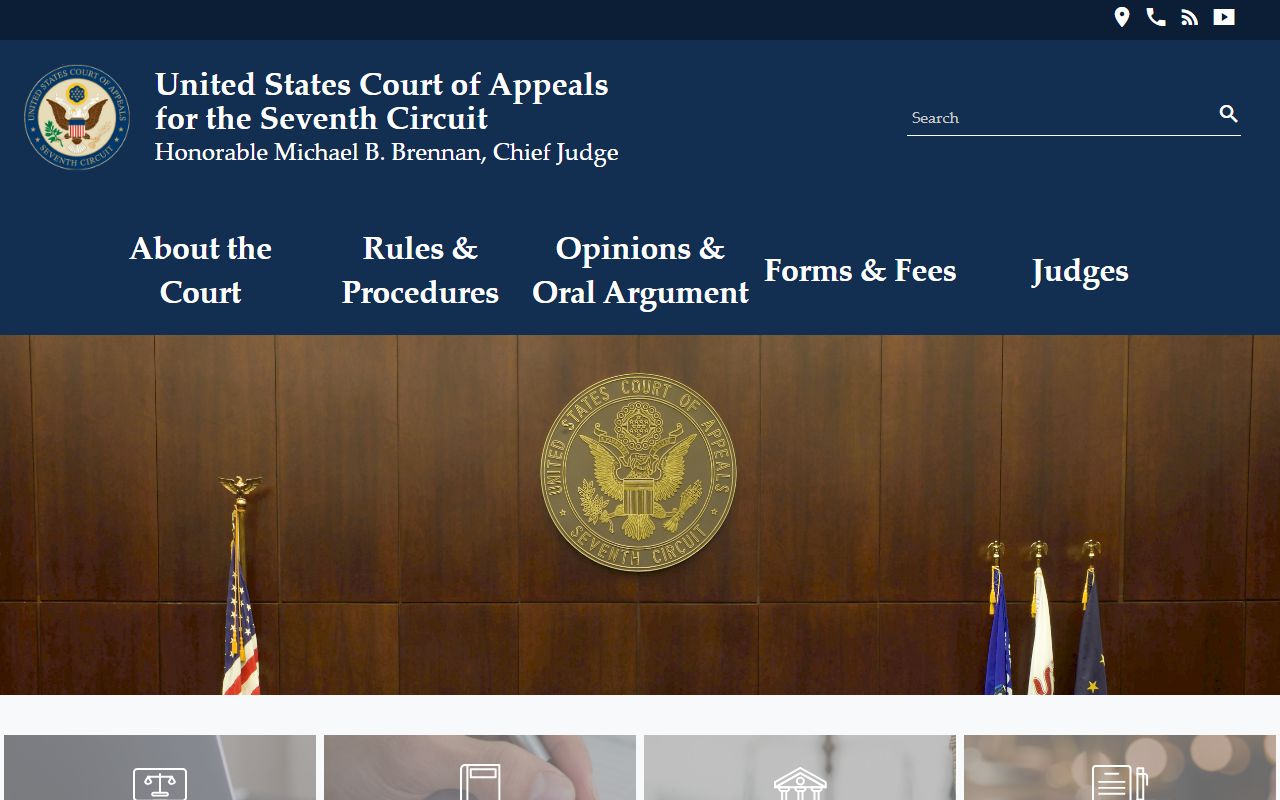
The U.S. Court of Appeals for the Seventh Circuit hears federal appeals from Wisconsin, Illinois, and Indiana.
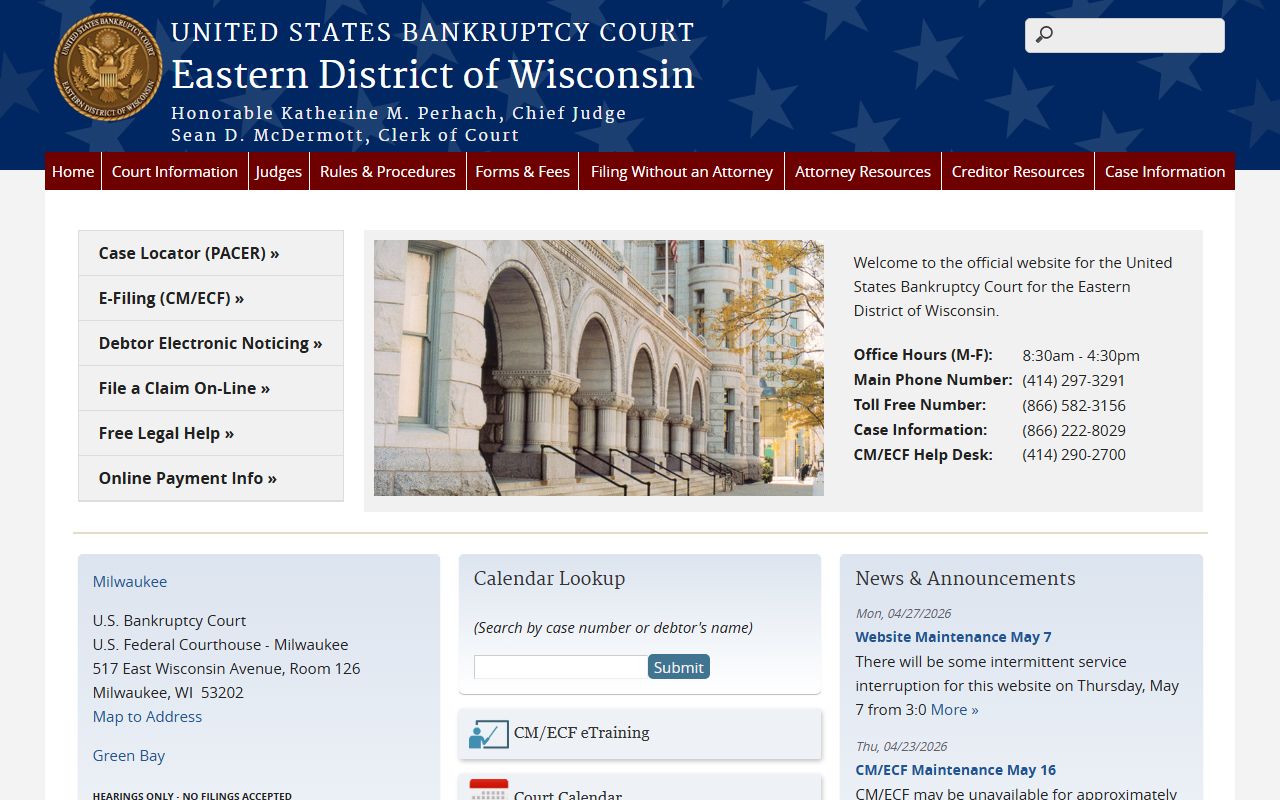
Bankruptcy dockets sit with the U.S. Bankruptcy Court for the Eastern District of Wisconsin, and they are not part of the state case file.
For some federal filings, a free archive holds copies that users uploaded.
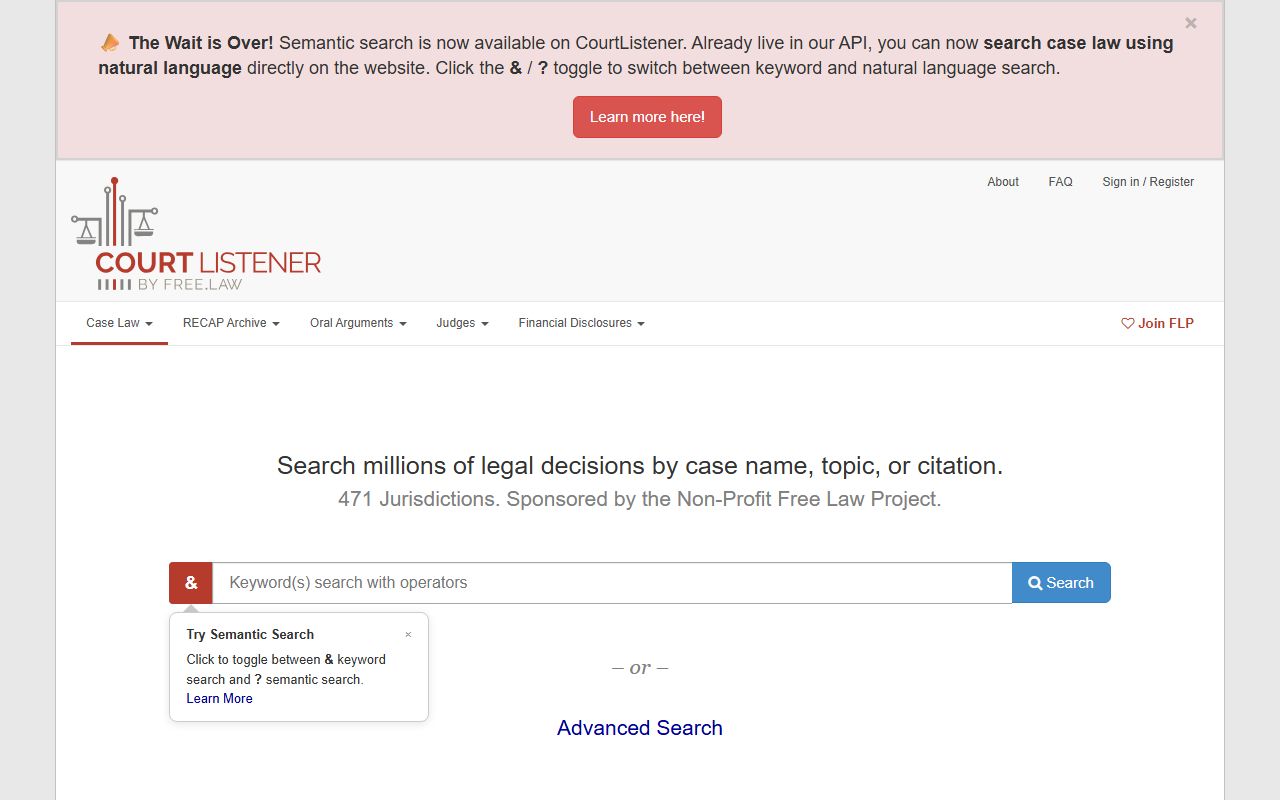
The CourtListener and RECAP archive can show a federal docket for free when a document has already been added, which is a useful backup to a paid account.
How a Docket Differs From the Full Case File
A docket and a case file are not the same thing. The docket is the index of events. The file holds the actual documents, such as the complaint, the motions, the orders, and the judgment. WCCA reliably shows the docket and the case summary. It does not always show the documents themselves. Many Milwaukee County documents need a clerk copy request, a fee, or an in-person pickup.
That gap matters when you need proof. A WCCA printout is not a certified record. For court, employment, immigration, or licensing, order a certified copy from the clerk. Criminal copies come from the Safety Building Room 117 window. Civil and family copies use the civil record request process. The Clerk of Circuit Court page lists the request forms and fees.
Case-Type Codes on a Milwaukee County Docket
Each docket carries a case number, and the two letters in the middle tell you the case type. Reading the code first saves time, because it tells you which division holds the file and which copy process to use.
- CF - felony criminal, kept 75 years after final judgment.
- CM - misdemeanor criminal, kept 20 years.
- CT and TR - criminal traffic and traffic citations.
- CV and SC - civil and small claims.
- FA and PA - family and paternity.
- PR - probate estates, trusts, and guardianships.
Tax warrants show as TW, and judgment-related entries can show as TJ. A code like FO points to a forfeiture or ordinance matter.
When a Name Shows Up More Than Once
WCCA can list the same person several times. The site warns that an alias or a different version of a name, including a middle name or an initial, can create a separate entry. Multiple rows do not always mean multiple cases. A single case can show duplicate name rows when a party is listed under more than one name.
Birth dates do not always settle it. Public results may show a full date, a partial date, or none, depending on the case type and the rules. Use the case number, the caption, and the filing date to confirm identity. For common surnames, add a first name and the Milwaukee County filter to avoid a "too many results" message.
Note: Compare case numbers before you assume two rows are two separate cases, because aliases and name versions often duplicate a single Milwaukee County docket.